What the maps do today, and what comes next
Updated 5 October 2026
This page shows what each map can do today, and what comes next. The work goes first to Europa Universalis IV, Europa Universalis V and Hearts of Iron IV.
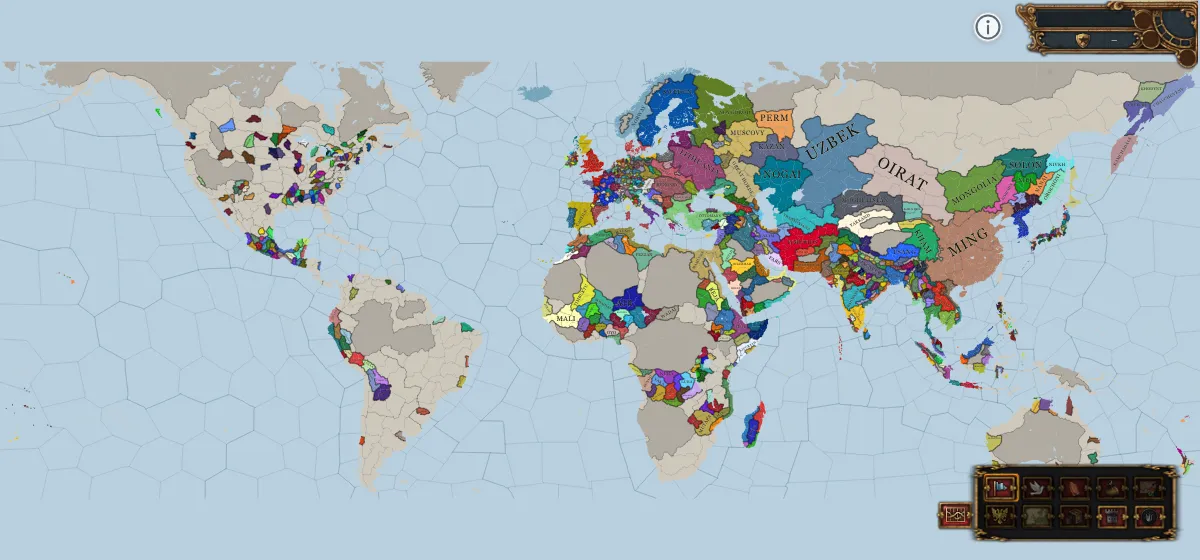
Europa Universalis IV
8 map modes, 12 start dates, 1444 to 1792
Some fields fill only from a save. The map ships a sample save that fills them, and you can load it with no account.
Open the mapOn the map now
- Map modes
Political, trade, religion and more, in the colours of the game.
- All 12 start dates
Every bookmark that the game ships, from 1444 to 1792.
- Country window
The game's own window, with six tabs.
- Province window
The game's own window for each province.
- Ledger
The economy charts, year by year.
- Top bar and date panel
The figures of the played country, as the game shows them.
- Trade network
The 80 trade nodes, and the routes that the game draws between them.
- Map labels
Country names fitted to their land in every map mode.
- Load a save
Plain and ironman saves. Your browser reads the file, and the file stays on your computer.
Planned
- Country window: Court
Correct the advisor icons.
- Country window: Government
Show the special mechanics of some nations, and correct the country modifiers.
- Country window: new tabs
- Province window: more fields
Add the remaining fields. The game calculates some fields while it runs, so the page cannot show every field.
- Ledger: more data
Add more charts and tables than the economy.
- Trade map mode: more data
Show more figures for each trade node.
- Papacy view
- Holy Roman Empire view
- Mandate of Heaven view
Screenshots
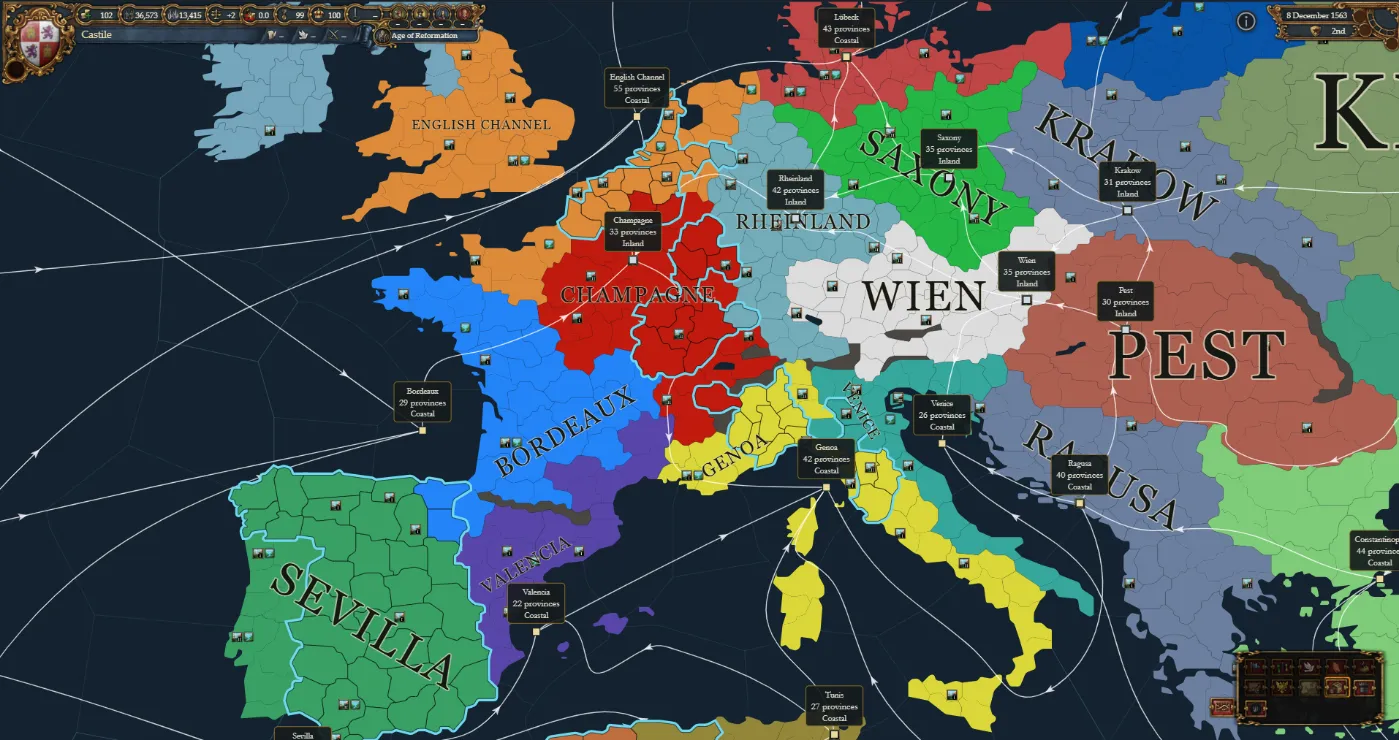
The trade map mode, with each node and its routes 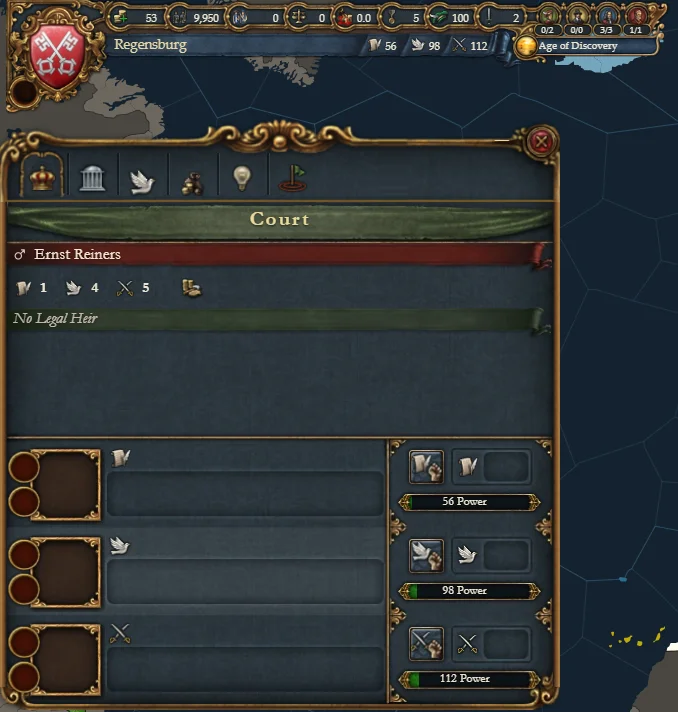
Country window: Court 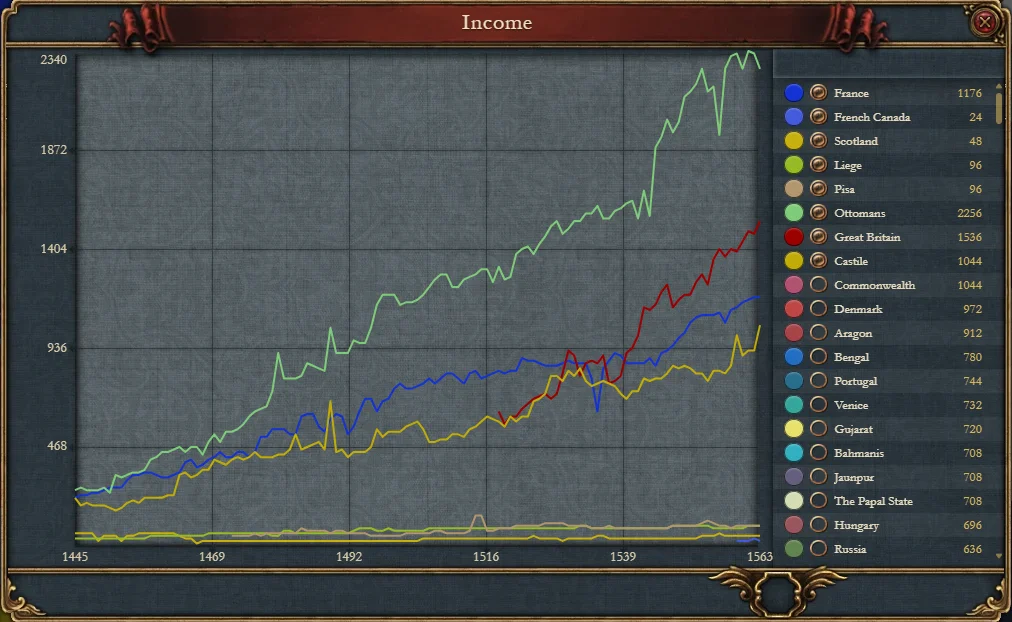
Ledger: income 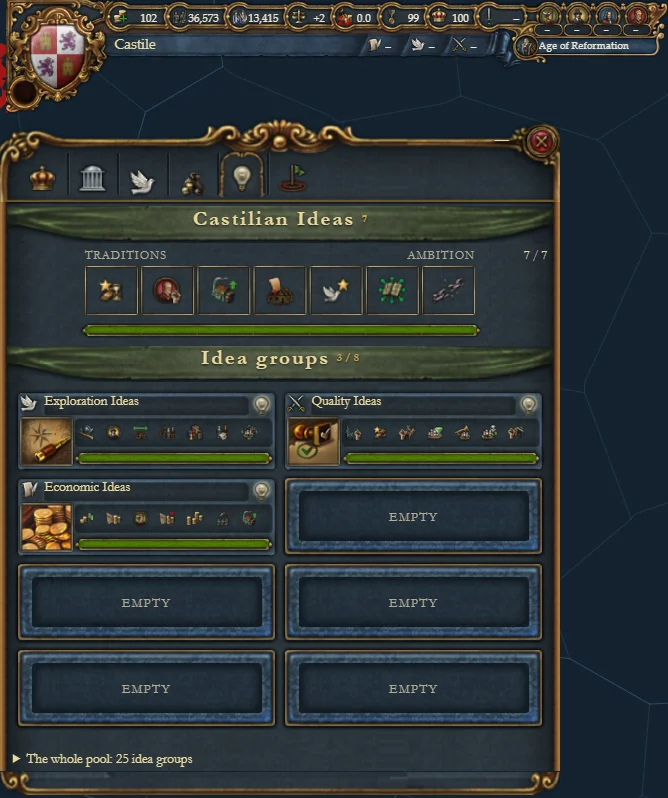
Country window: Ideas 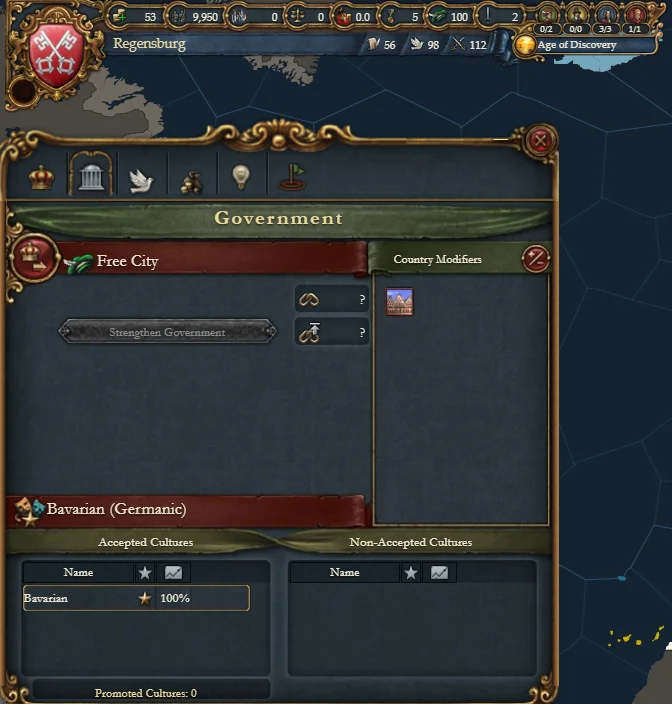
Country window: Government 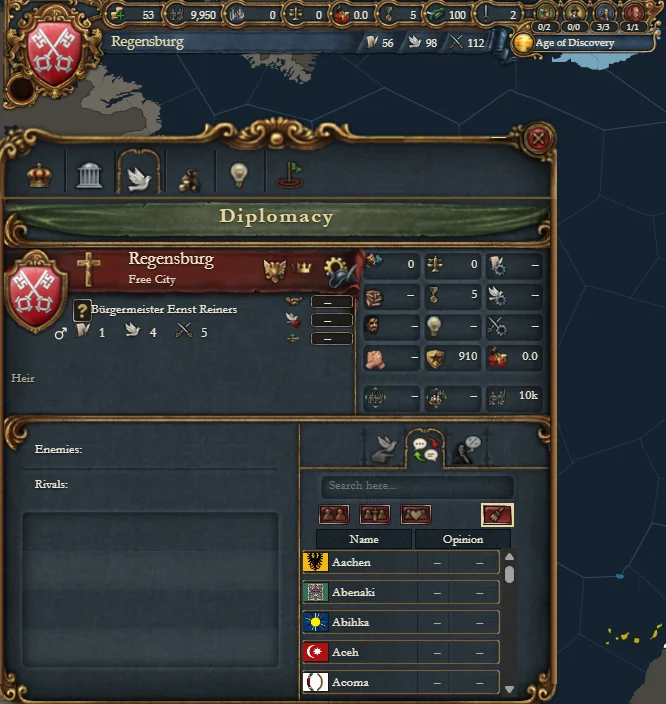
Country window: Diplomacy 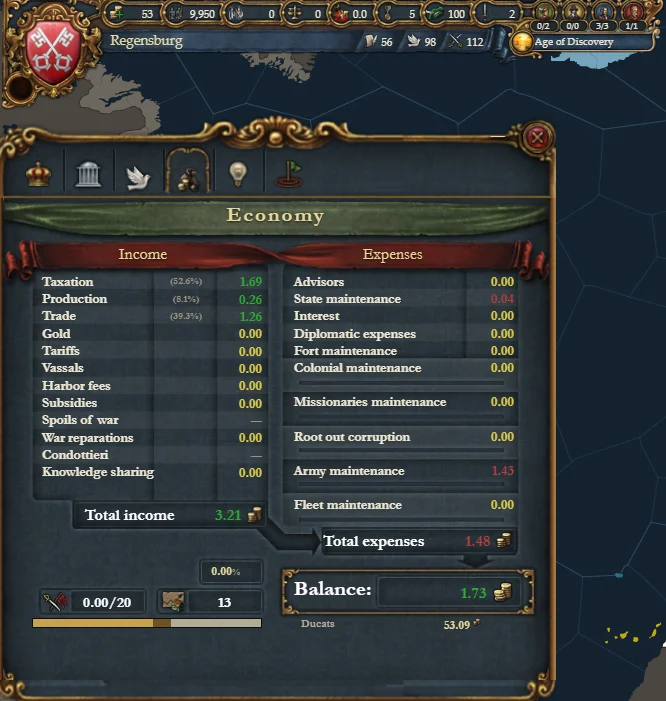
Country window: Economy 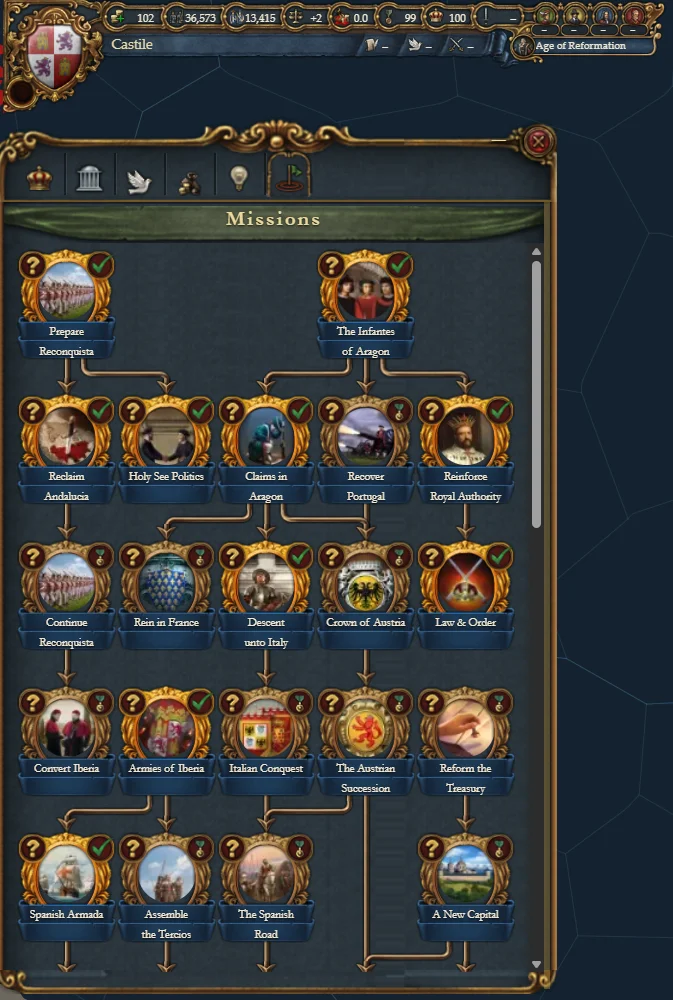
Country window: Mission tree 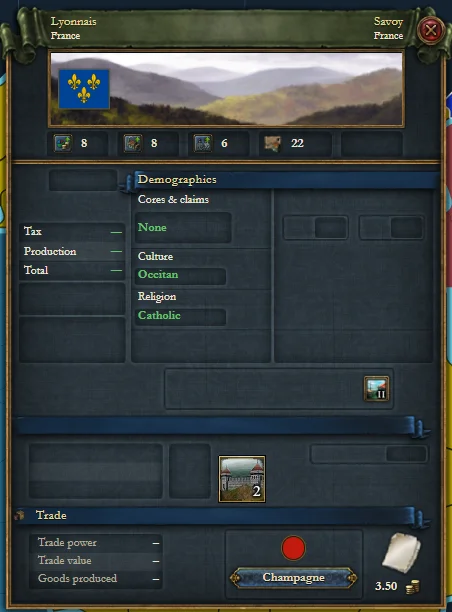
Province window
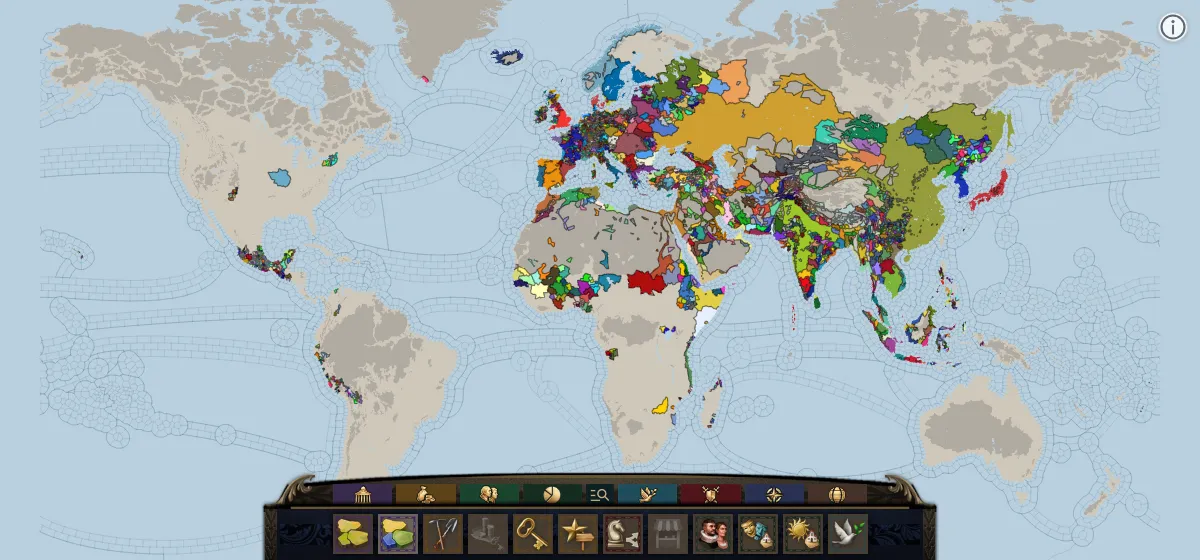
On the map now
- Map modes
The game's own map mode bar.
- Rulers in 3D
Each face comes from the DNA in the save, and wears the clothes that the game chooses.
- Location window
The game's art, and data from the game in all four tabs.
- Country window
Actual data in all three tabs.
- Top bar and flags
The figures of the played country, and a flag for every country.
- Load a save
Plain and binary saves. Your browser reads the file, and the file stays on your computer.
Planned
- Country window: all portraits
Show a portrait for every character in the Characters tab.
- Right-click menu
- Top bar windows
- Advances tree
- Ledger
- Dynasty tree
- Bottom bar
Finish the remaining icons and features.
Screenshots
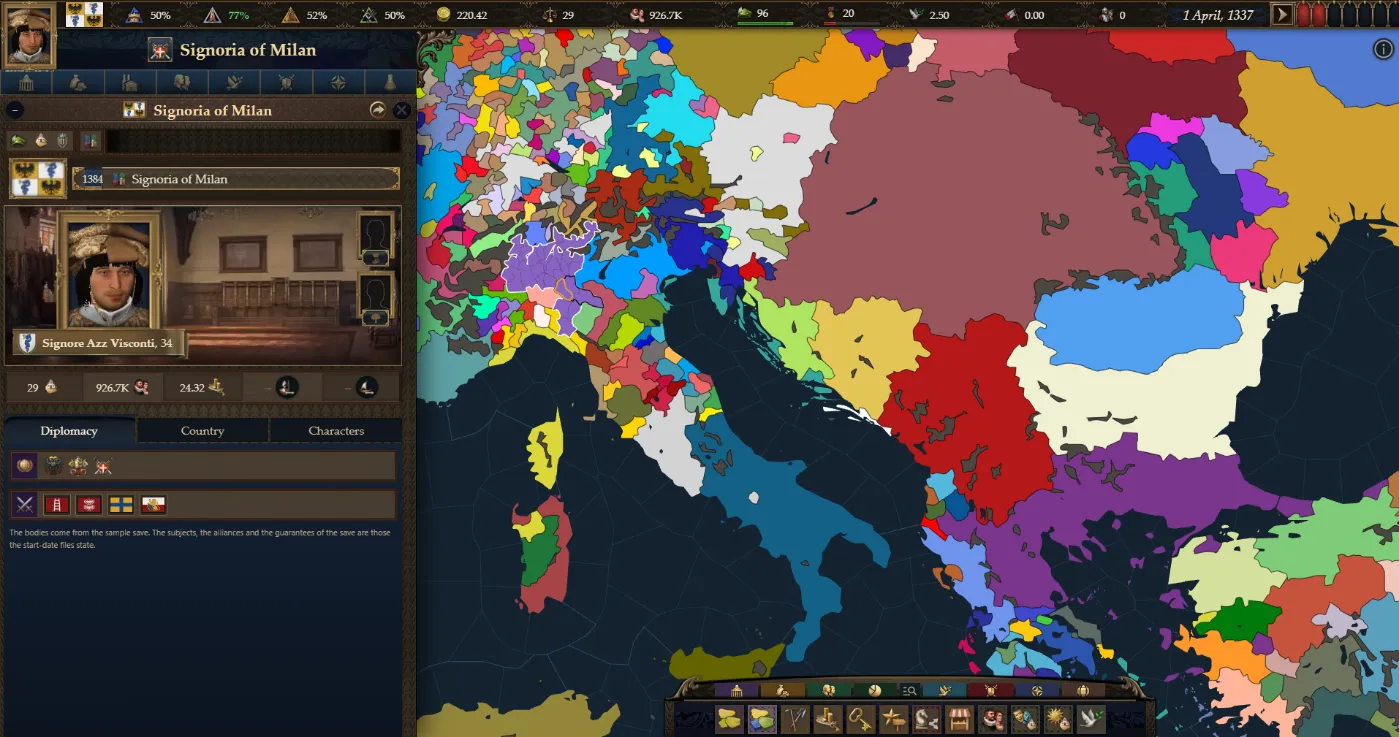
Country window, with the ruler drawn from the save 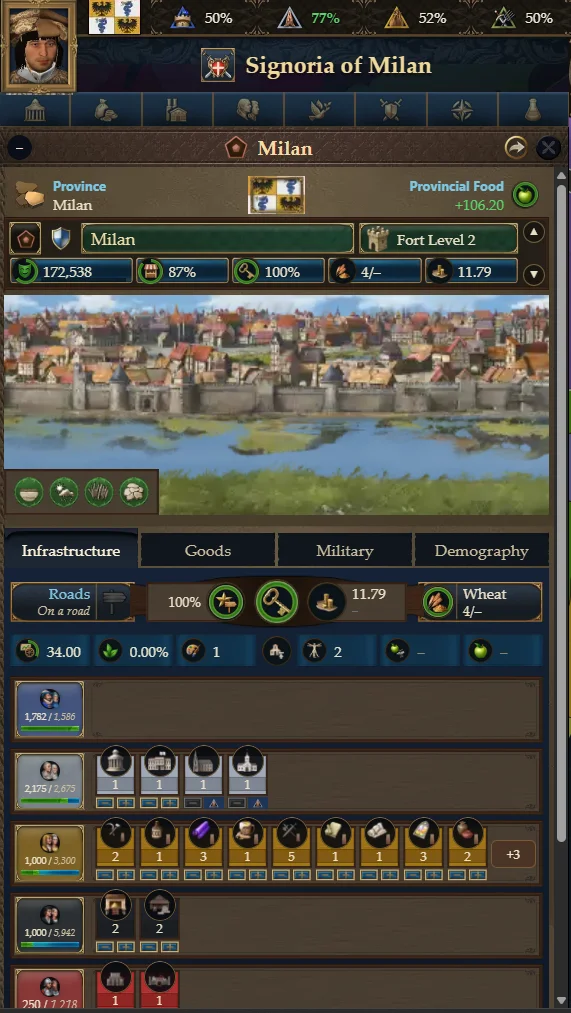
Location window 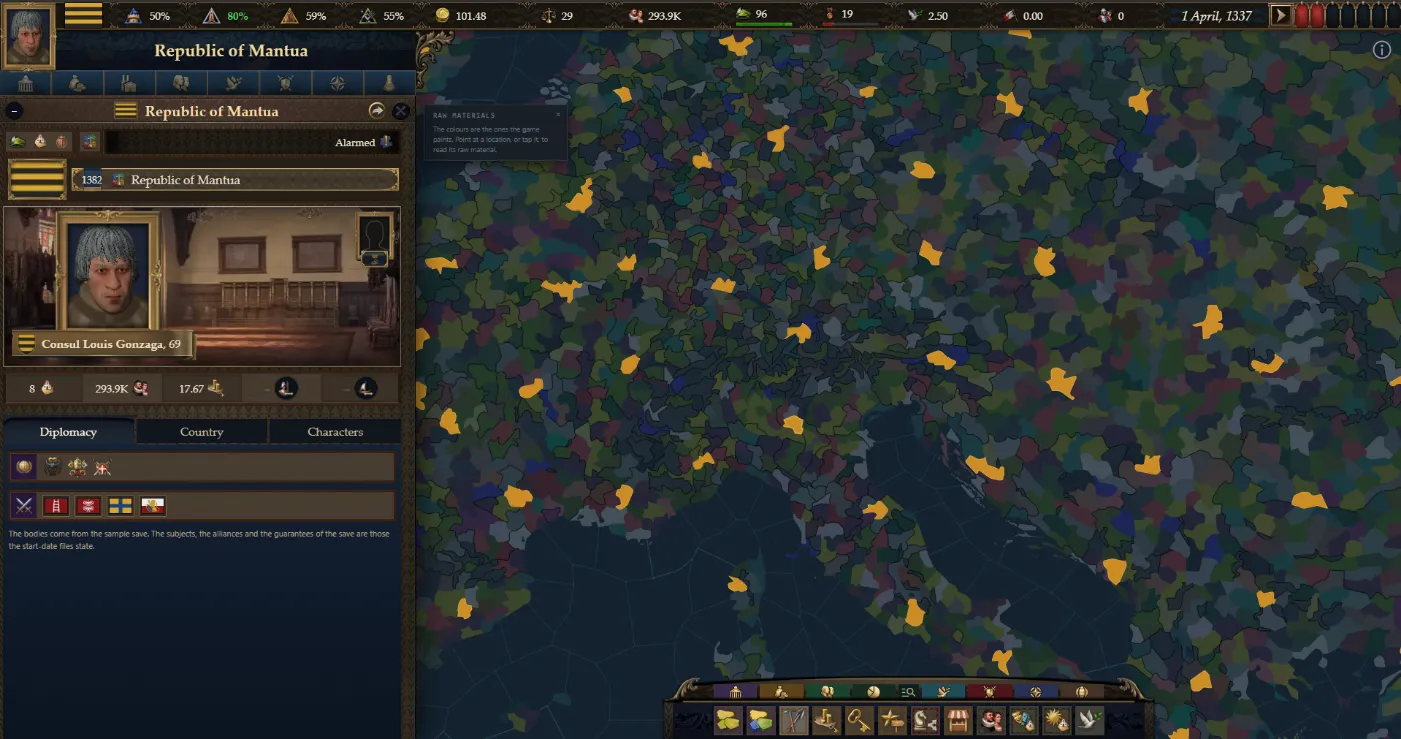
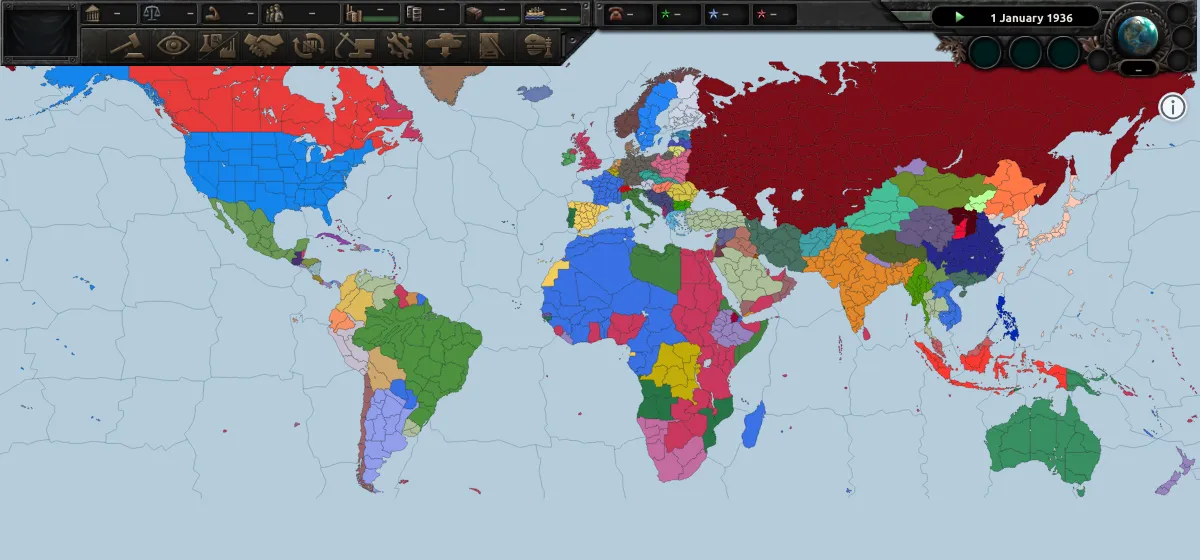
Raw materials map mode, with one material picked
Hearts of Iron IV
4 map modes, 2 start dates, 1936 and 1939
Some fields fill only from a save.
Open the mapOn the map now
- Map modes
- Both start dates
1936 and 1939. One click changes the owner of every state.
- Province and state view
The game's own state window for each state.
- Politics view
Almost every field is full.
- National focus tree
The tree of each country, with the effect of each focus.
- Top bar
The figures of the played country, as the game shows them.
- Load a save
Plain and ironman saves. Your browser reads the file, and the file stays on your computer.
Planned
- Focus tree: improvements
- Top bar: more windows
Some windows only change the game. The page can show only the windows that show a fact.
- Map mode bar
The game's own map mode controls and art.
- Stockpile window
Screenshots
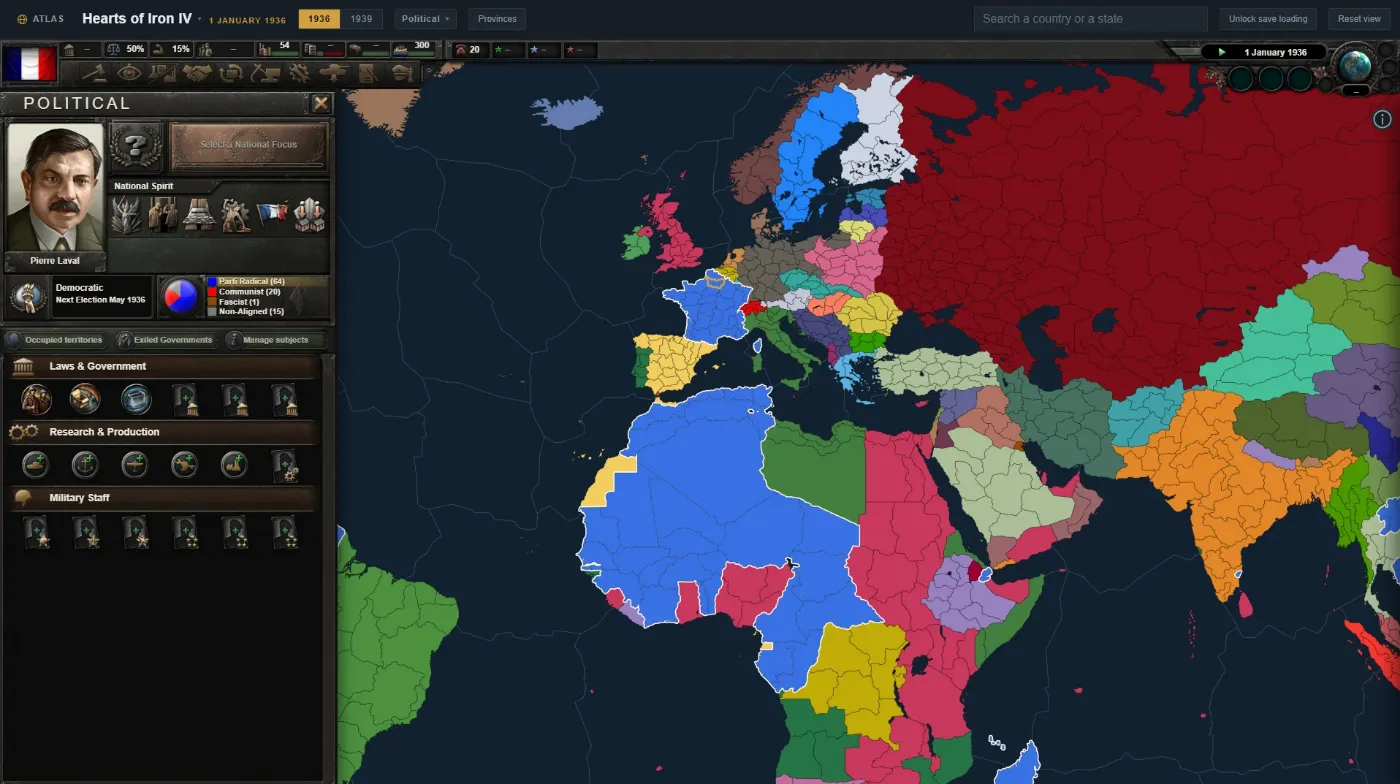
Politics view 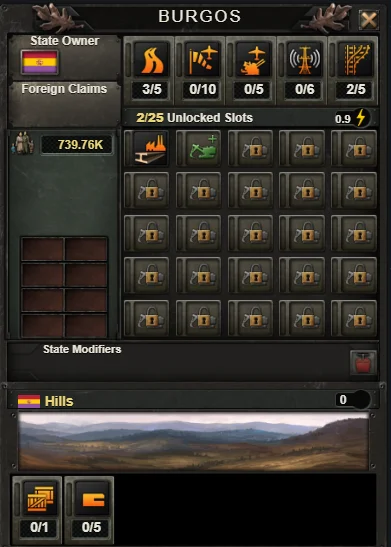
State view 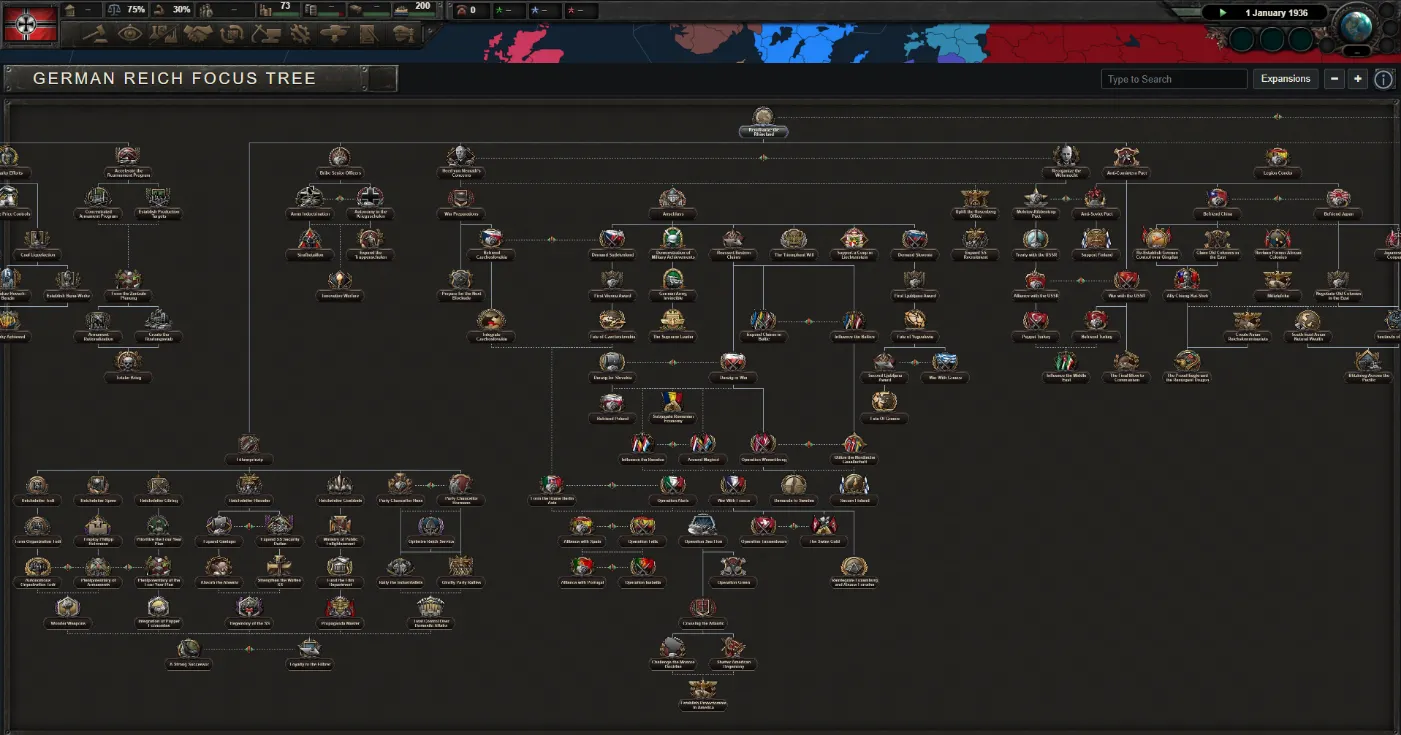
National focus tree
Later
These maps show the political map, and they read a save. Most of them also have map modes. Their windows and panels come after the three maps above are mature.
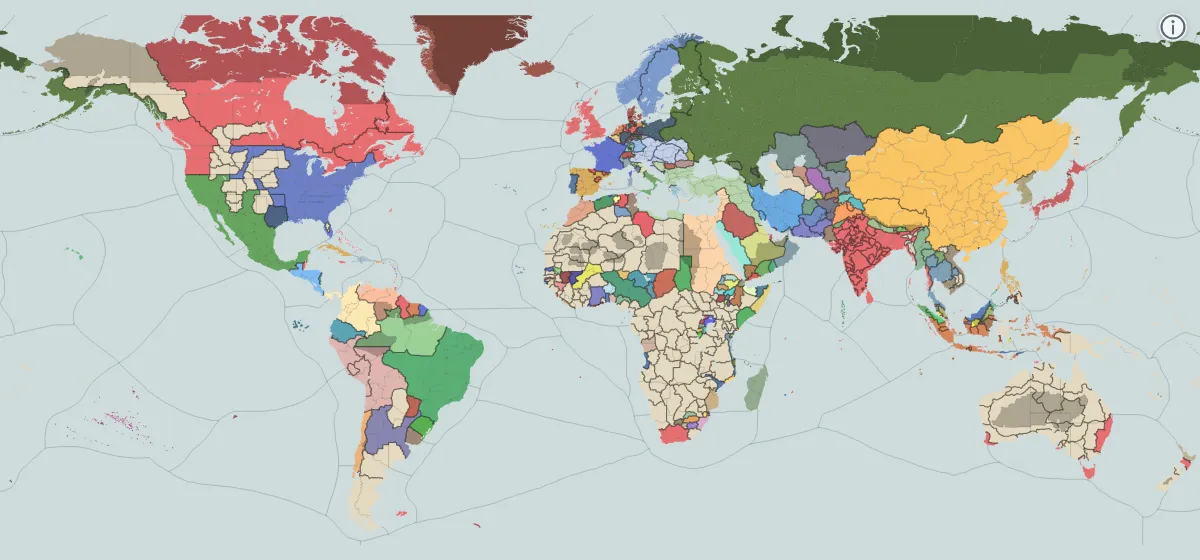 Victoria 31836 Open the map
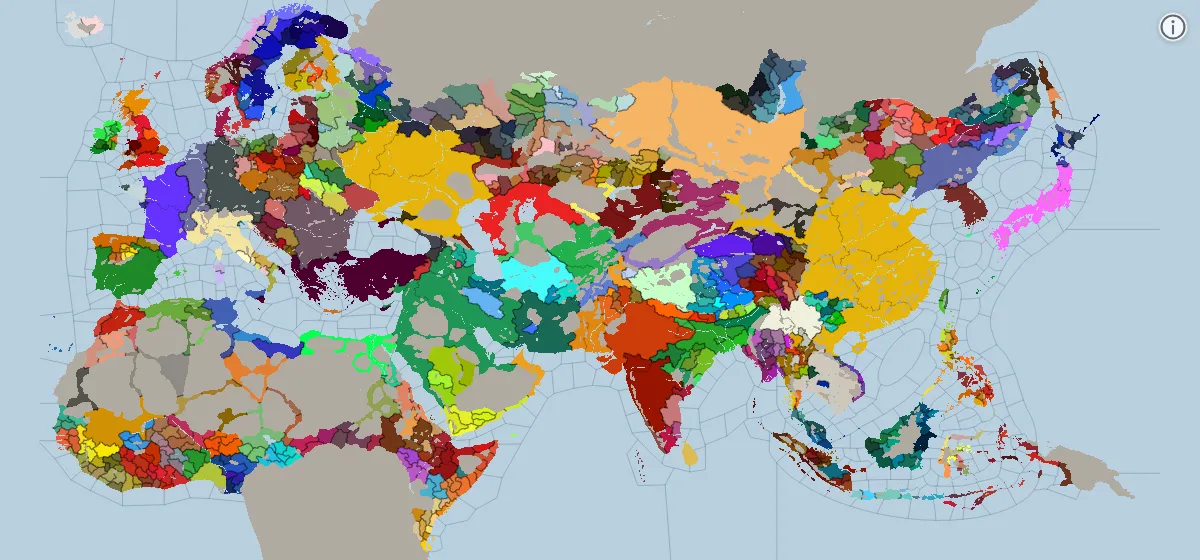 Crusader Kings III867 and 1066 Open the map
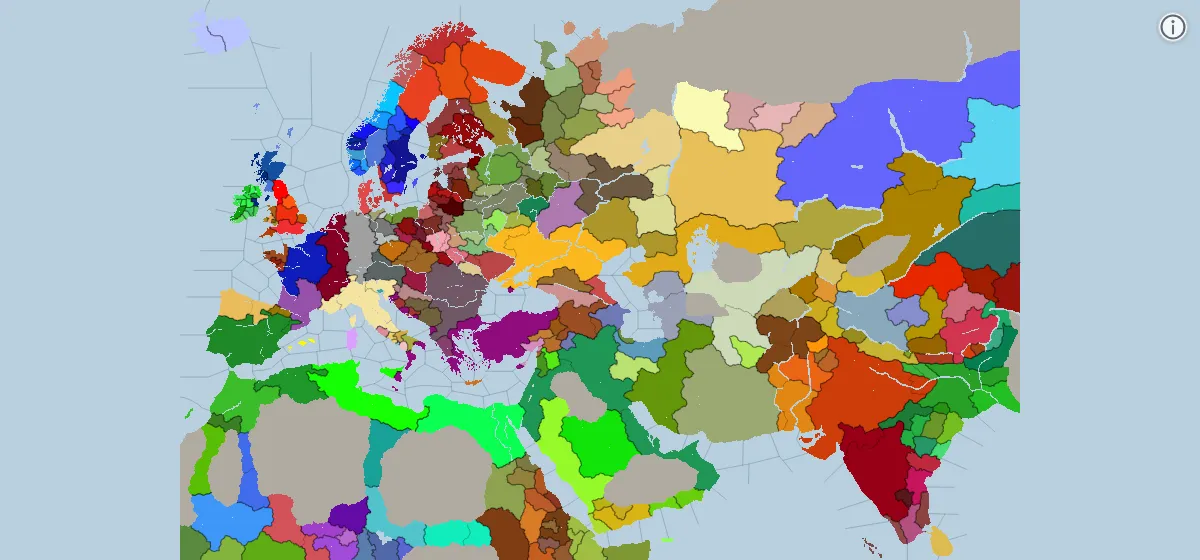 Crusader Kings II867 and 1066 Open the map
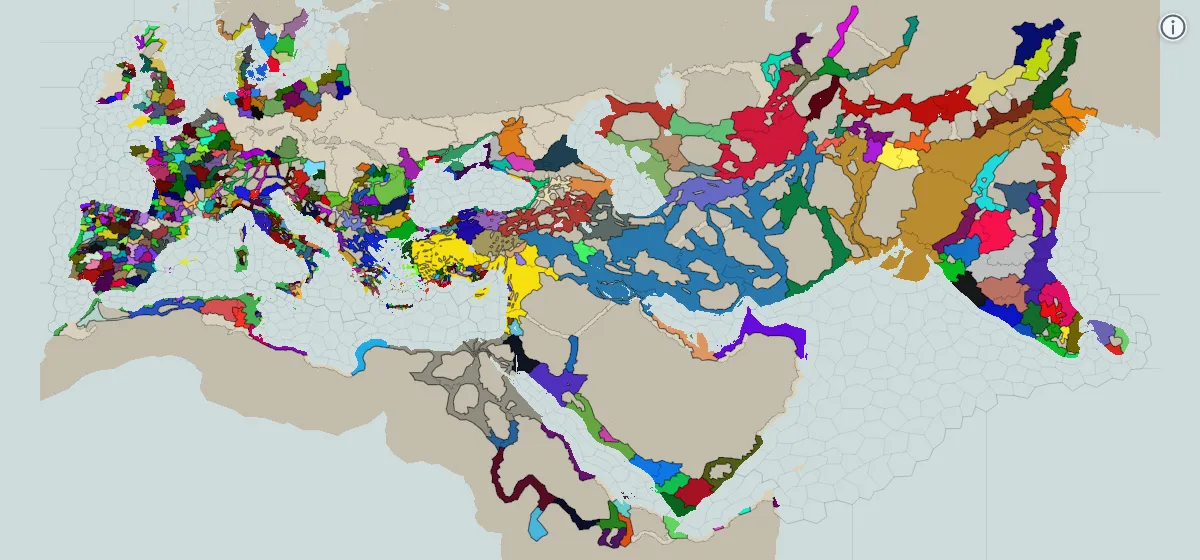 Imperator: Rome304 BC Open the map